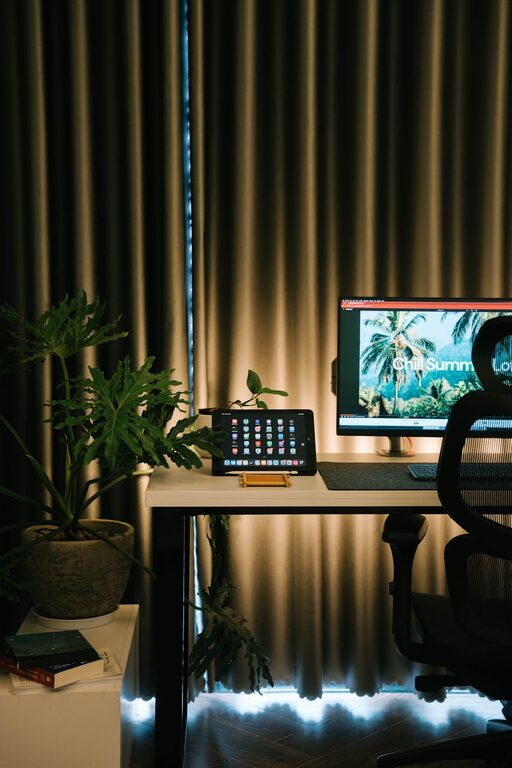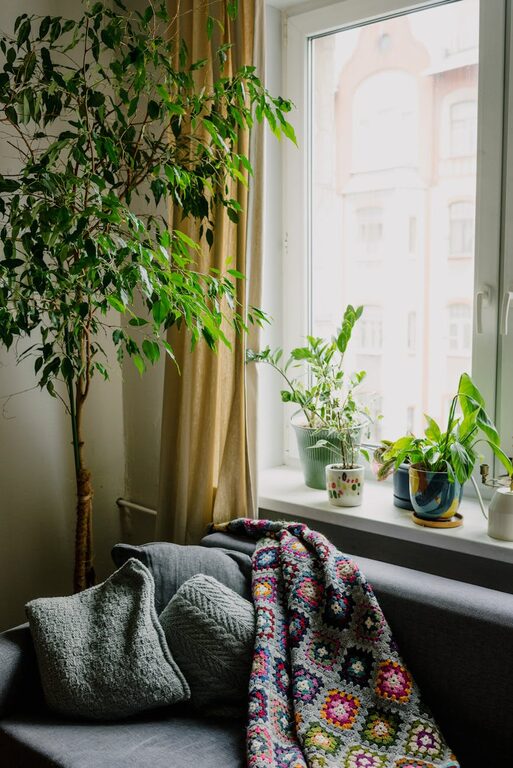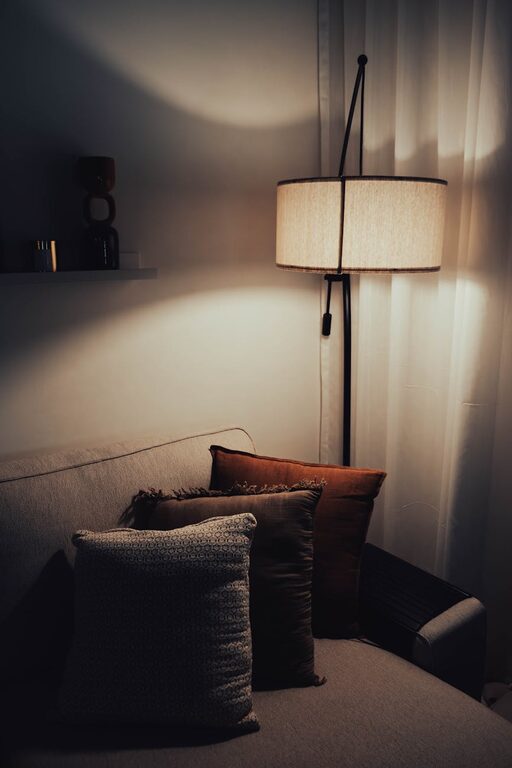

Creating a home office that feels cozy yet remains highly functional can greatly improve your work-from-home experience. Whether you have a dedicated room or a small corner in your living space, designing an area that promotes comfort and productivity is key. Here are some helpful tips to inspire your perfect home office setup.
Choose the Right Location
Finding the ideal spot for your home office is the first step. Consider these factors:
– Natural Light: A space near a window boosts mood and energy.
– Quiet Area: Pick a spot away from household noise.
– Space Availability: Ensure there’s enough room for your desk, chair, and storage.
If space is limited, a small nook or a section of a bedroom can work well with careful planning.
Invest in Comfortable and Ergonomic Furniture
Working long hours means your furniture should support good posture and comfort.
– Ergonomic Chair: Choose a chair with adjustable height and lumbar support.
– Functional Desk: Select a desk with enough surface area for your computer and supplies.
– Footrest and Monitor Stand: These extras help maintain an ergonomic setup.
Comfort reduces the risk of strain and keeps you focused longer.
Organize Effectively with Storage Solutions
Clutter can distract and stress you. Keep your office tidy by using smart storage:
– Shelves and Cabinets: Use wall shelves or small cabinets to keep items off your desk.
– Desk Organizers: Trays, pen holders, and file sorters keep essentials handy.
– Cable Management: Use clips or sleeves to prevent cable tangles.
A clutter-free workspace encourages clear thinking and efficiency.
Create a Cozy Ambiance with Decor
Decor influences how you feel in your space. Add touches that make your office inviting:
– Soft Textiles: Incorporate cushions, rugs, or throws for warmth.
– Plants: Greenery adds freshness and can improve air quality.
– Art and Personal Items: Display photos or artwork that inspire you.
Choose colors and textures that help you feel calm and motivated.
Optimize Lighting
Proper lighting is crucial to avoid eye strain and fatigue.
– Natural Light: Maximize daylight exposure whenever possible.
– Task Lighting: Use desk lamps with adjustable brightness.
– Ambient Lighting: Consider soft overhead lights for overall illumination.
Layered lighting helps you adjust the mood and functionality of the space.
Minimize Distractions
To stay focused, limit interruptions and distractions in your workspace.
– Noise Control: Use noise-canceling headphones or add rugs and curtains to absorb sound.
– Dedicated Work Hours: Inform family members of your schedule.
– Digital Organization: Manage notifications and keep your computer desktop orderly.
A focused environment enhances productivity and work satisfaction.
Personalize Your Workflow Tools
Your workspace should match how you work best.
– Technology Setup: Have reliable Wi-Fi, a quality mouse and keyboard, and needed accessories.
– Bulletin Boards or Whiteboards: Great for jotting down goals and reminders.
– Comfort Items: Keep a water bottle or coffee mug close to stay refreshed.
Customizing tools and accessories supports effective daily routines.
Maintain Regular Breaks and Movement
Remember to take breaks to avoid burnout.
– Stretching: Stand, stretch, or take short walks every hour.
– Break Area: If possible, have a small spot nearby for breaks.
– Eye Care: Follow the 20-20-20 rule—every 20 minutes, look at something 20 feet away for 20 seconds.
Balancing work time with rest keeps you energized throughout the day.
—
By thoughtfully combining comfort and practicality, your home office can become a space where you enjoy working and achieve your best results. Start with these tips to craft a cozy, functional environment tailored to your needs.